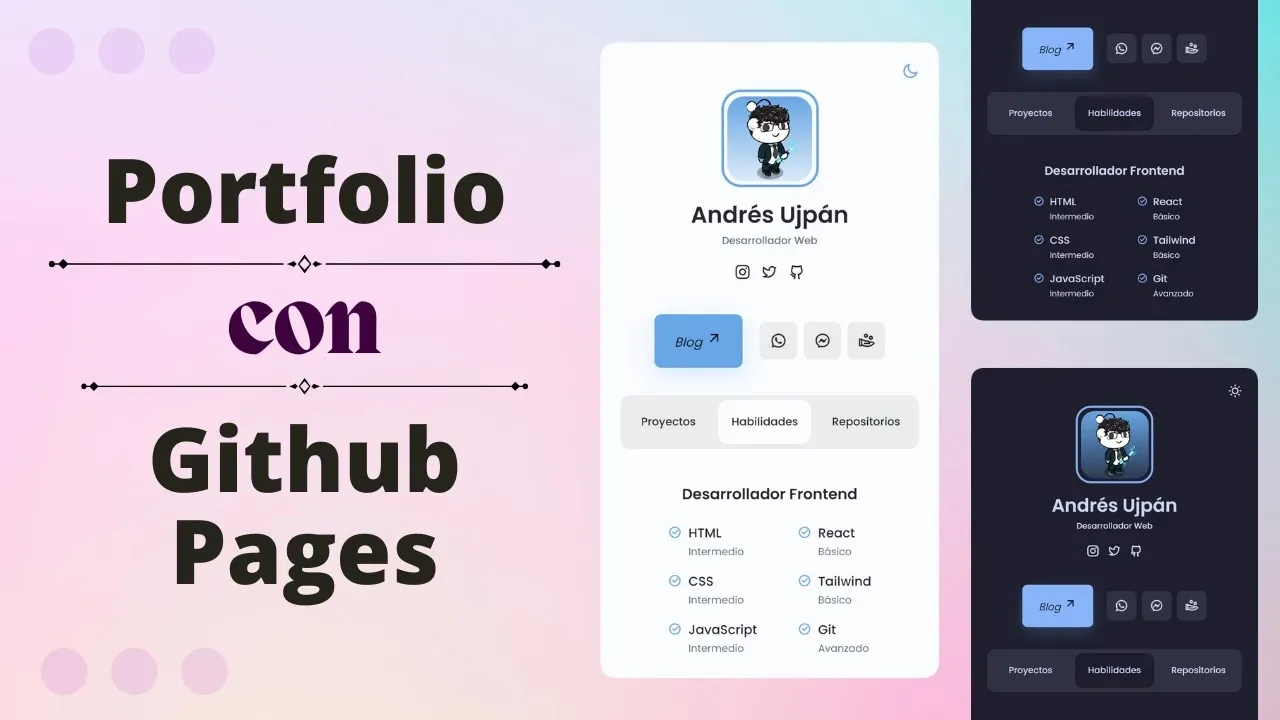
In the vast world of programming, you need to stand out to qualify for better jobs and receive higher compensation for your experience. But how do you achieve that? In this article, we’ll tell you how.
A web portfolio is a page that compiles a selection of your work or content to introduce yourself to others. Think of it as an Instagram for your projects, but instead of getting likes, you attract the attention of recruiters to access better job opportunities.
Whether you are looking for a job or keeping your professional profile updated, showcasing your projects in a web portfolio is as essential as it is beneficial. There are many platforms to deploy your portfolio, but this time we will use GitHub Pages to make the task easier for you.
How to make a portfolio?
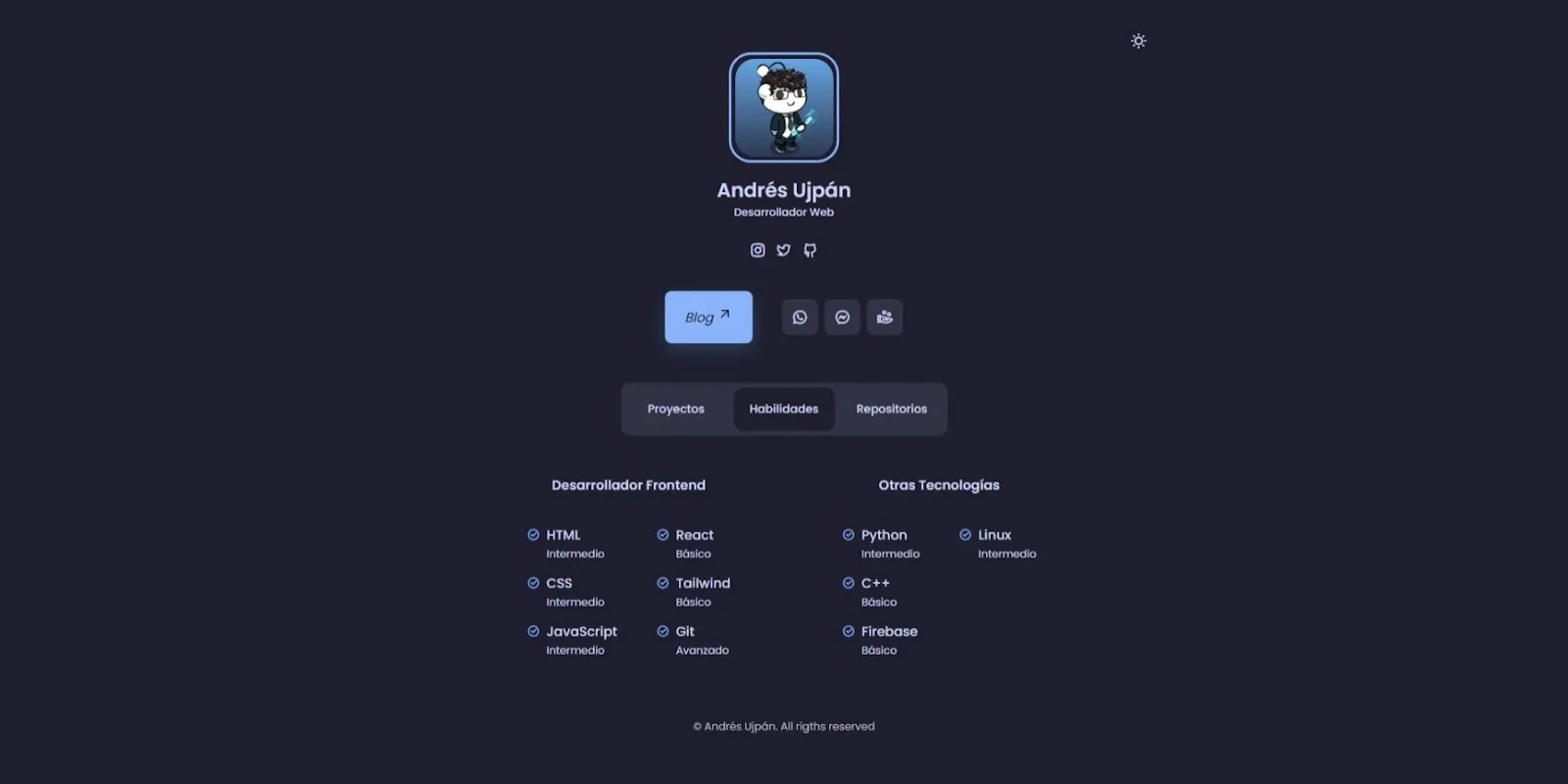
To make writing code easier, we have created a template that displays your GitHub repositories and more, so you only have to edit a few things. You can check it out by clicking here.
Cloning the repository
-
Go to this repository.
-
Download the repository as a ZIP file.

-
Extract the contents of the file.
-
Open the folder with VS Code (
File > Open FolderorCtrl + K Ctrl + O).
Creating magic
-
Open
index.htmland search for the word EDITAR (EDIT).
-
Replace the required fields (approximately 11).
-
Search for the word OPCIONAL (OPTIONAL) and adjust according to the comments.
-
Open
main.jsinassets/jsand search for EDITAR (EDIT).
-
Change the username
avdyanto your GitHub username. -
Delete

README.mdand replace the images and PDF with your own files. -
Open
index.htmlin your browser to verify that everything works correctly.
Creating the repository
-
Go to github.com/new and create a new repository.
-
Name it, for example:
portfolio, and configure it as public.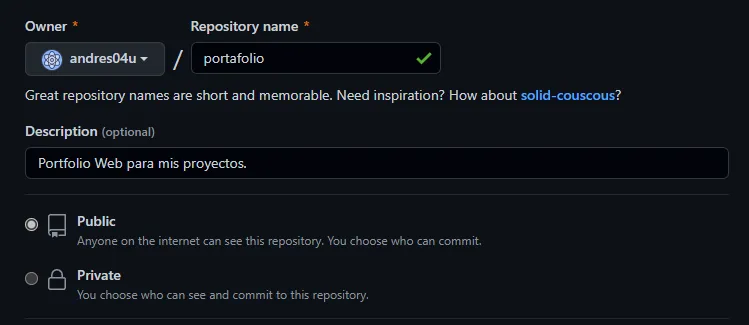
-
Click Create repository.
Uploading the files
-
Click on uploading an existing file.
-
Drag the files (not the folder) into the browser.
-
Click Commit changes.
Enabling GitHub Pages
-
Go to Settings > Pages.
-
Under Branch, select
main, then click Save. -
After a few seconds, your portfolio URL will appear.

Conclusion
Creating a website might seem a bit tedious, but believe me, it is much easier now than before. Furthermore, it is entirely to your benefit: with a portfolio, you can introduce yourself to others and let your projects speak for you. You don’t need to explain or sell yourself; just show them your portfolio and they will be fascinated.