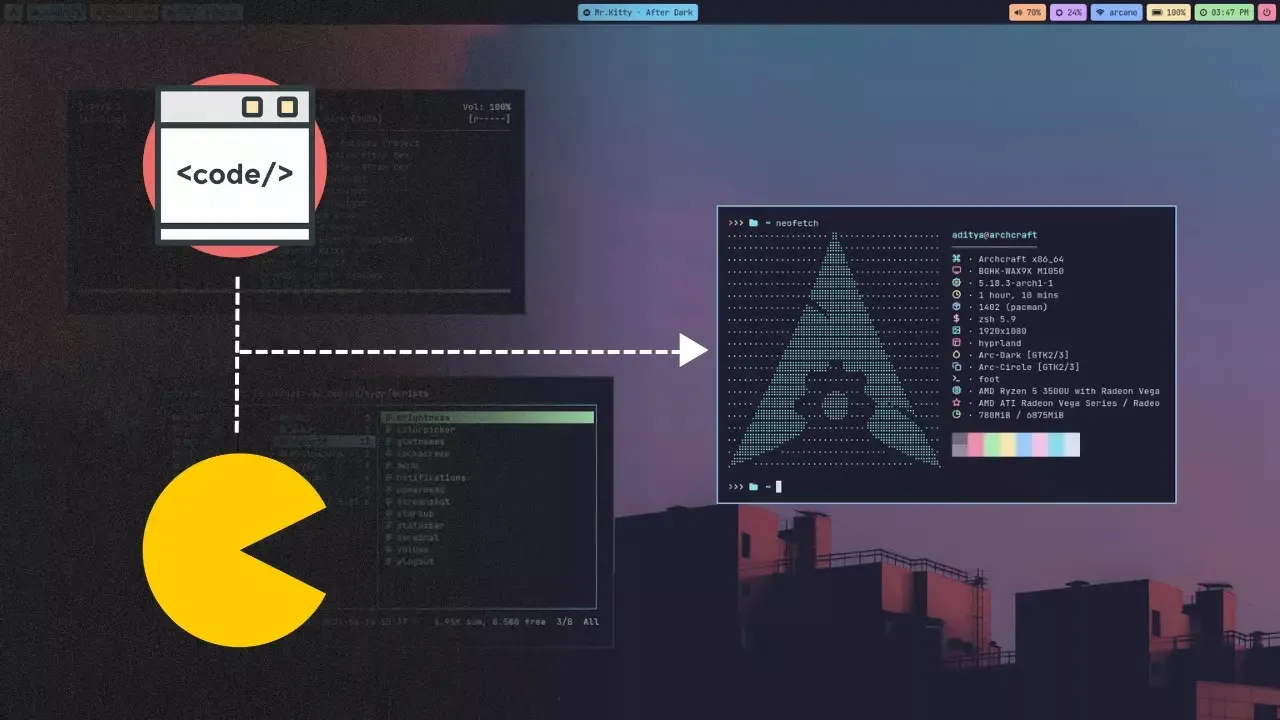
Just like in other distributions, Arch Linux has its own package manager with which we can install, update, or uninstall packages from the system.
If you already have some basic or intermediate knowledge of Linux, you will know that there is not only one way to install packages. There are many, which adapt to you and your preferences.
Watch the video by the great Riky Linux below to learn more about it:
How to Install Packages in Arch Step by Step
Here is a summary to install packages easily:
-
Update the system:
Before installing any program, make sure the system is up to date:sudo pacman -Syu -
Search for the desired package:
Use the following command to search:pacman -Ss package_name -
Install the package:
Once found, install it with:sudo pacman -S package_name -
Update a specific package:
sudo pacman -Sy package_name -
Uninstall a package:
sudo pacman -R package_name -
Install an AUR package:
Use an AUR helper likeyayorparu. For example:yay -S package_name
💡 Note: AUR is not officially supported by the Arch team. Use it with caution.
Conclusions
In summary, installing programs in Arch Linux is done using commands with pacman, and you can also use AUR to install programs that are not in the official repositories. Arch gives you the freedom to choose how and with what to install your favorite tools.